

Introduction
The couch PC dream is simple: turn on the TV, grab a controller, and jump into your games without touching a keyboard. Microsoft's Xbox Full-Screen Experience (often called Xbox mode) and the dedicated launcher warmUP both aim to deliver that console feeling, but they take very different paths. One is an OS-level mode that silences Windows noise; the other is a lightweight, multi-store frontend that unifies your library with zero setup. In this comparison, we break down exactly how they differ - and which one earns the center spot in your living room.
What Is Xbox Full-Screen Experience?
Xbox mode is a built-in feature of Windows 11 (version 24H2 and later) that transforms the OS into a console-like gaming shell. When you enter it - via Win+F11, Game Bar, or Task View - the desktop disappears, notifications are muted, and every app or game runs full-screen. The interface is controller-navigable, and you can pick a gaming home app (including the Xbox app or a third-party launcher) to serve as your main menu.

The real headline is what happens under the hood. According to MSI's testing, Xbox mode trims system RAM usage by about 9% - from 8.6 GB down to 7.8 GB on a 16 GB handheld. Microsoft also states it pauses background maintenance and can deliver frame-rate boosts of up to 8.6% in demanding titles like Cyberpunk 2077. That's a genuine, measurable performance lift just by switching modes.
“Xbox mode is a console inspired, dedicated gaming experience that gives players a controller-optimized way to navigate and play on Windows.”
— Microsoft Support
What Is warmUP Game Launcher?
warmUP is a couch-first PC game launcher built to solve the fragmentation problem. It scans your system for games from Steam, Epic, GOG, and even emulators, then presents them in a single, controller-friendly interface - no manual configuring, no store-hopping. It's designed to live on your TV, with a UI that feels like a console home screen from the moment you launch it.

Unlike Xbox mode, warmUP doesn't touch Windows' background processes or memory management. It's intentionally lightweight, so it won't give you a 9% RAM reduction or a Cyberpunk frame-rate bump. The trade-off is that it works on any Windows 10 or 11 machine, doesn't require a restart, and pulls together every game you own - not just those from a single store's ecosystem.
Setup and Onboarding
Xbox mode requires a few deliberate steps: you need Windows 11 24H2 or later, and you must enable it in Settings > Gaming > Xbox mode. On handhelds, you can set it to auto-start at sign-in. On desktops, you manually enter it via a shortcut. If you exit and re-enter, the system may ask you to restart to fully reapply performance optimizations. It's not difficult, but it is an OS-level configuration - and it's restricted to supported markets.
warmUP takes the opposite approach. There's no OS tinkering, no restart. You install it, and it immediately scans and organizes your library. Controller navigation is on by default, and the UI is built for a TV's viewing distance. For anyone who wants a console-like launcher without touching Windows settings, warmUP is simply faster to get going.
Library Integration
This is where the two solutions diverge most sharply. Xbox mode itself doesn't aggregate games; it relies on the "home app" you choose. If you pick the Xbox app, you'll see your Microsoft Store and Game Pass titles. If you select a third-party launcher, you'll see whatever that launcher surfaces. Xbox mode is the canvas, but the library on display is entirely up to the app you point it at.
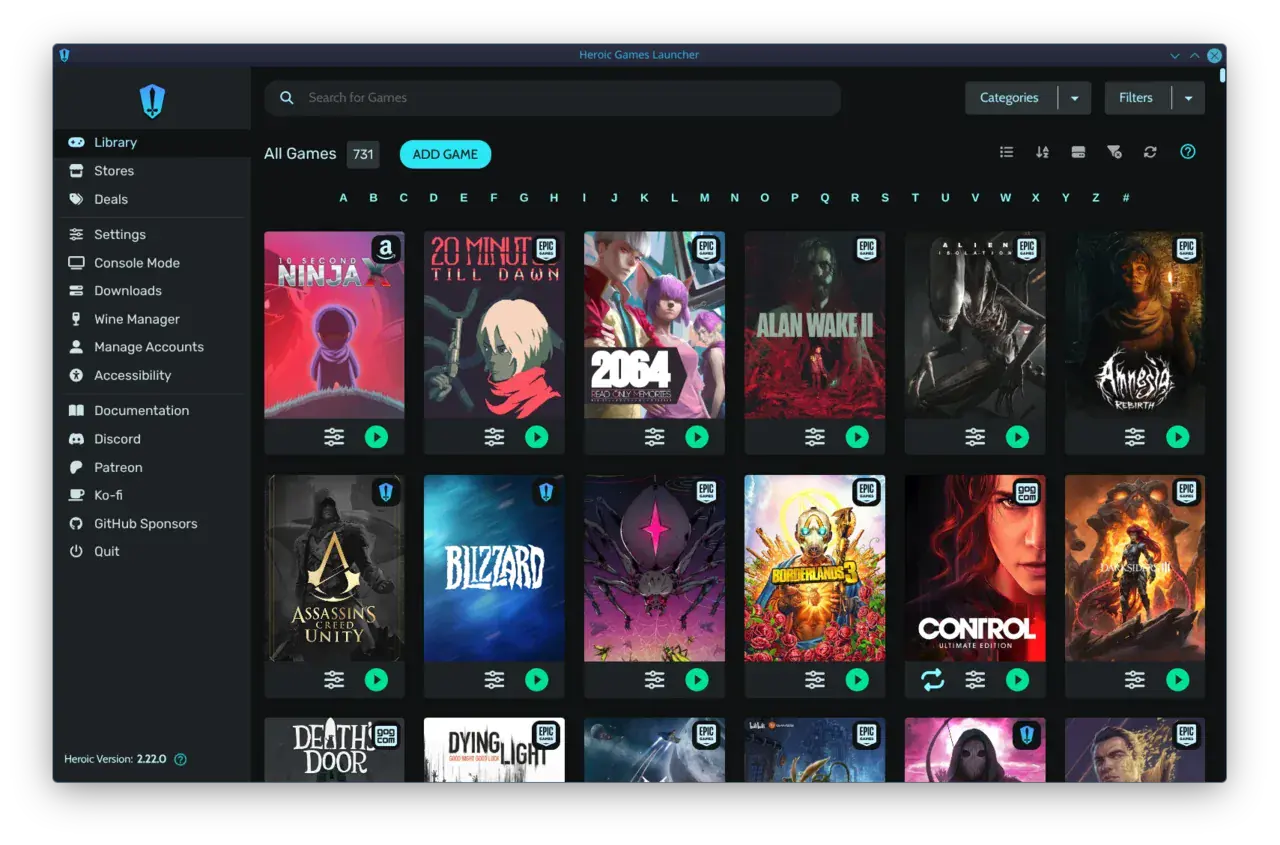
warmUP, by contrast, is the library. It automatically pulls in games from Steam, Epic, GOG, and retro emulators, presenting them in a single, unified grid. No toggling between launchers, no separate sign-ins per session. For PC gamers with collections spread across multiple stores, this is a material advantage - especially on a couch, where minimizing friction is everything.
Performance and System Impact
Xbox mode's performance gains are real and measurable. The 9% RAM reduction and up to 8.6% higher frame rates in Cyberpunk 2077, as reported by MSI, come from Windows aggressively limiting background processes. For a gaming handheld with limited memory, or any system where every frame counts, this is a clear win. It's like a built-in, game-aware "do not disturb" for the OS.
warmUP does not attempt to replicate these optimizations. It's a launcher, not a system-mode. Its overhead is negligible, but it won't reclaim RAM or boost FPS. If you're on a high-end desktop with 32 GB of RAM, the difference is academic. On a 16 GB handheld, Xbox mode's memory savings are more compelling. However, warmUP's focus on zero-config aggregation means you can pair it with Xbox mode: use the OS-level performance boost and let warmUP handle the unified library as the chosen home app.
Xbox Full-Screen Experience vs warmUP
Xbox Full-Screen Experience
Windows 11's built-in console mode
- System RequirementsWindows 11 24H2+
- Performance Lift9% less RAM, up to 8.6% FPS boost
- Library AggregationDepends on chosen home app
- Controller Navigationtrue
- Multi-Store SupportThrough home app only
- Setup ComplexityOS-level settings, restart may be needed
warmUP
PickZero-setup couch launcher
- System RequirementsWindows 10+
- Performance LiftLightweight, minimal overhead
- Library AggregationUnified: Steam, Epic, GOG, emulators
- Controller Navigationtrue
- Multi-Store SupportBuilt-in, out of the box
- Setup ComplexityDownload and play
Couch Gaming
Unify your library with zero setup
warmUP brings all your games from Steam, Epic, GOG, and emulators into one controller-friendly launcher. No menu diving, no store-switching - just pick up and play. Join the waitlist to get early access.
Which one should you use?
- Choose Xbox mode if you want a free, built-in performance boost on Windows 11 - especially on a handheld or a system with limited RAM.
- Choose warmUP if you have games spread across multiple stores and want a true unified launcher that works on any PC right now.
- You can chain them: set warmUP as Xbox mode's home app to get both the OS-level optimizations and a multi-store library on your TV.
- If you're on Windows 10 or don't want to mess with OS settings, warmUP is the only option for a controller-first couch experience.
Written by
Rosa del Pero
Senior Gaming Editor
Rosa covers launchers, storefronts and the tools that shape how we play on PC. She has spent a decade reviewing gaming software and still believes the couch is the best seat in the house.
Comments(0)
No comments yet. Be the first to share your thoughts.