

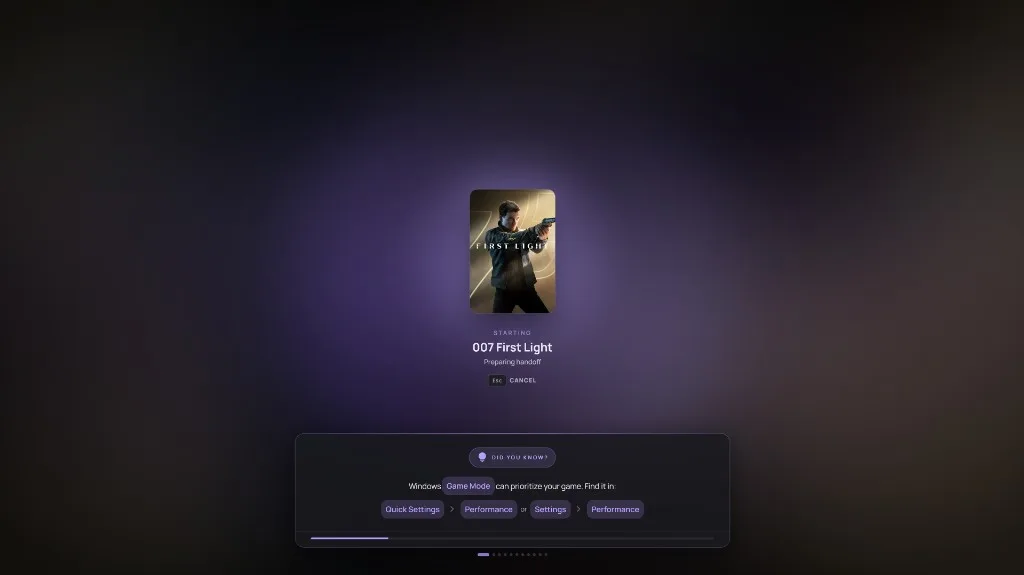
Seamless Game Start
One press starts the game. warmUP keeps the store window in the background, so nothing jumps in front of the TV and nothing steals focus on the way in.
Start the game, unlock Windows, jump to the TV, and keep the numbers — without walking back to the desk.
One press starts the game. warmUP keeps the store window in the background, so nothing jumps in front of the TV and nothing steals focus on the way in.
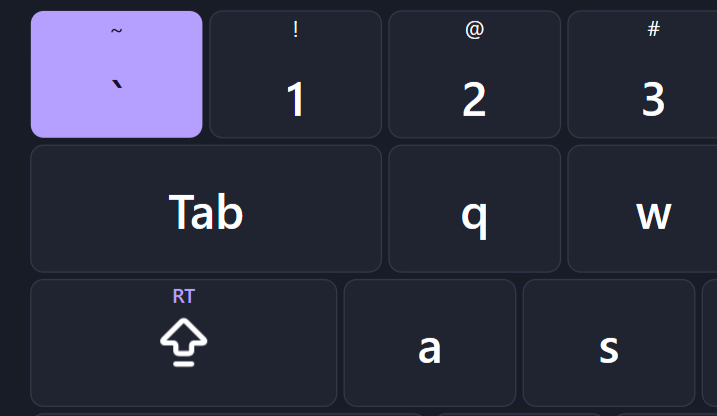
Companion draws a native keyboard and types into Windows itself, including the sign-in screen a normal app cannot reach. Unlock the PC from the controller. You stay on the couch.
Mark the display you actually play on, usually the TV. One controller chord jumps there. Another jumps and turns every other display off. A third returns you to the screen you left.
Frame rate sits on the picture while you play. Place the overlay, preview it with sample values, then launch. PresentMon supplies the frame timings. The readout is the session, not a guess.
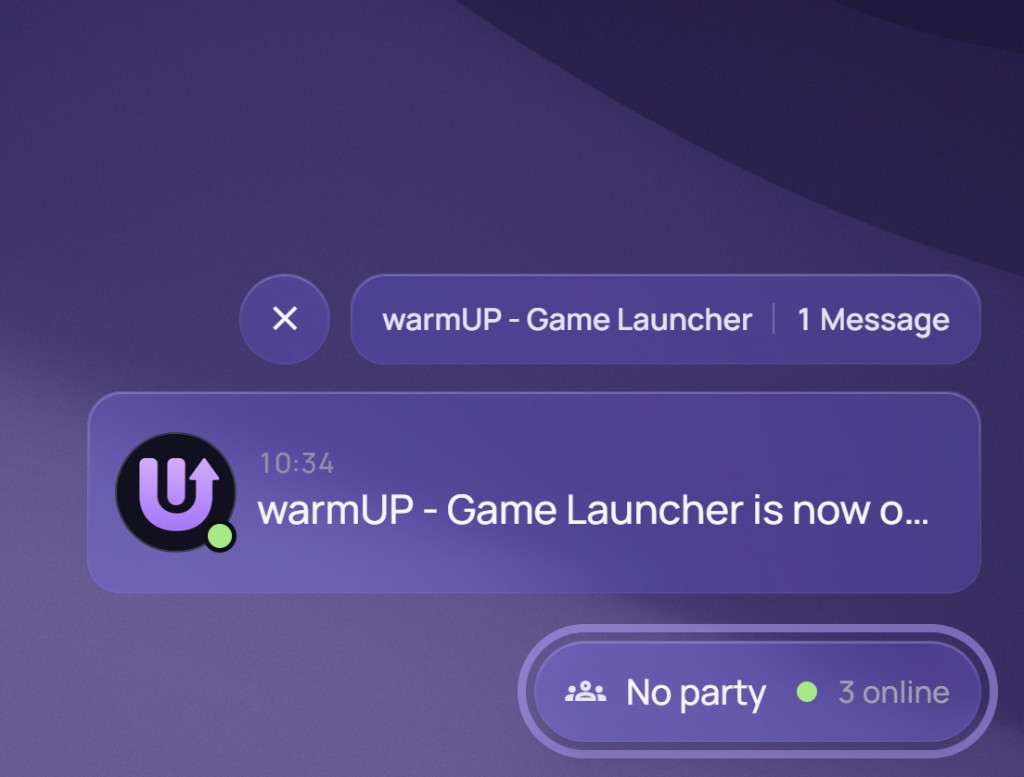
Connect Discord once. Friends coming online show on Home, messages open in the Lounge, and a party starts without the desktop client.
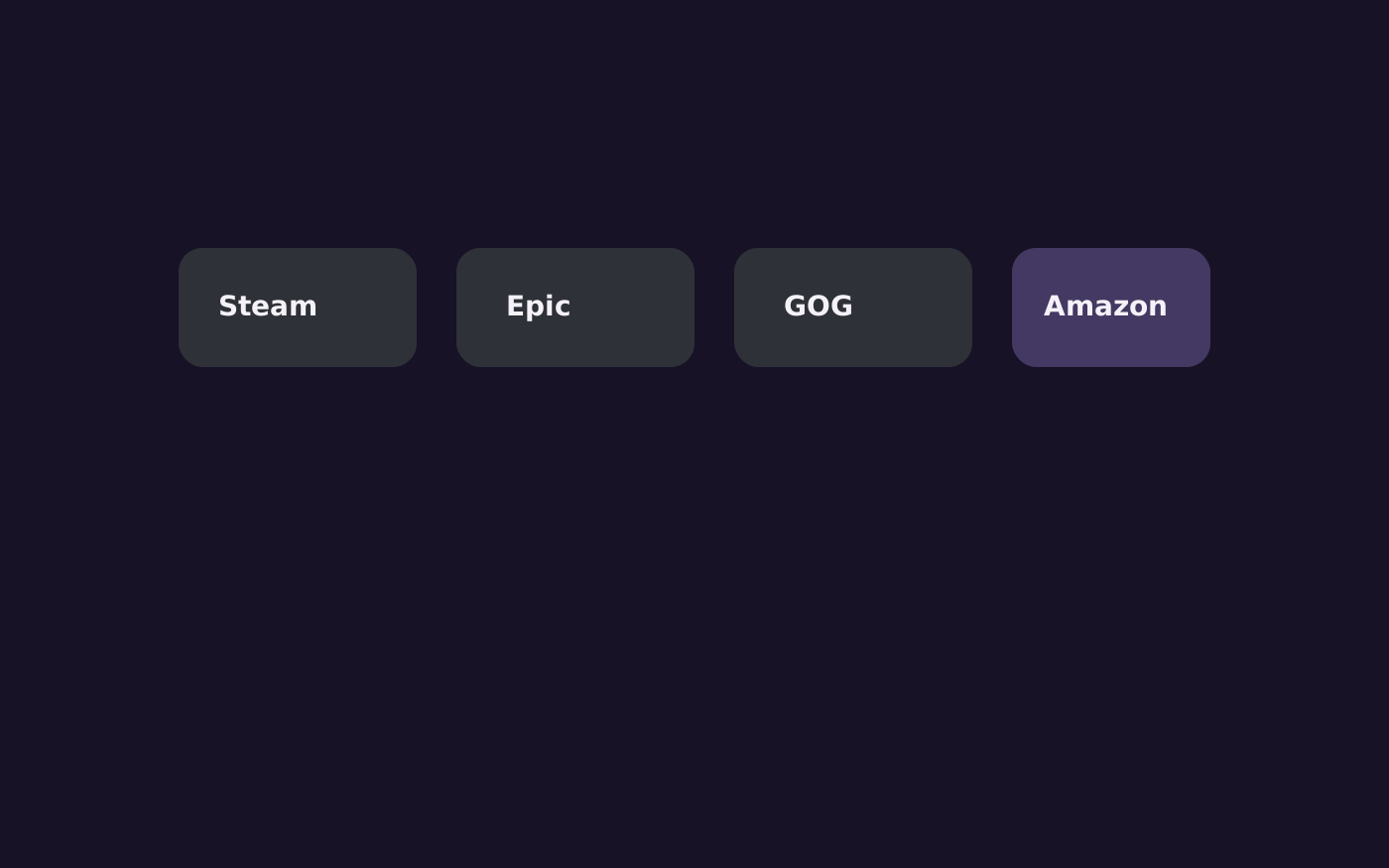
Connect each store with its own secured sign-in. OAuth stays with the store. warmUP never reads, stores, or transmits your password. The library you already own is the one that opens.

Point warmUP at an emulator and its ROM folder. Those games join the library like any other title, and you choose which emulator runs each one.
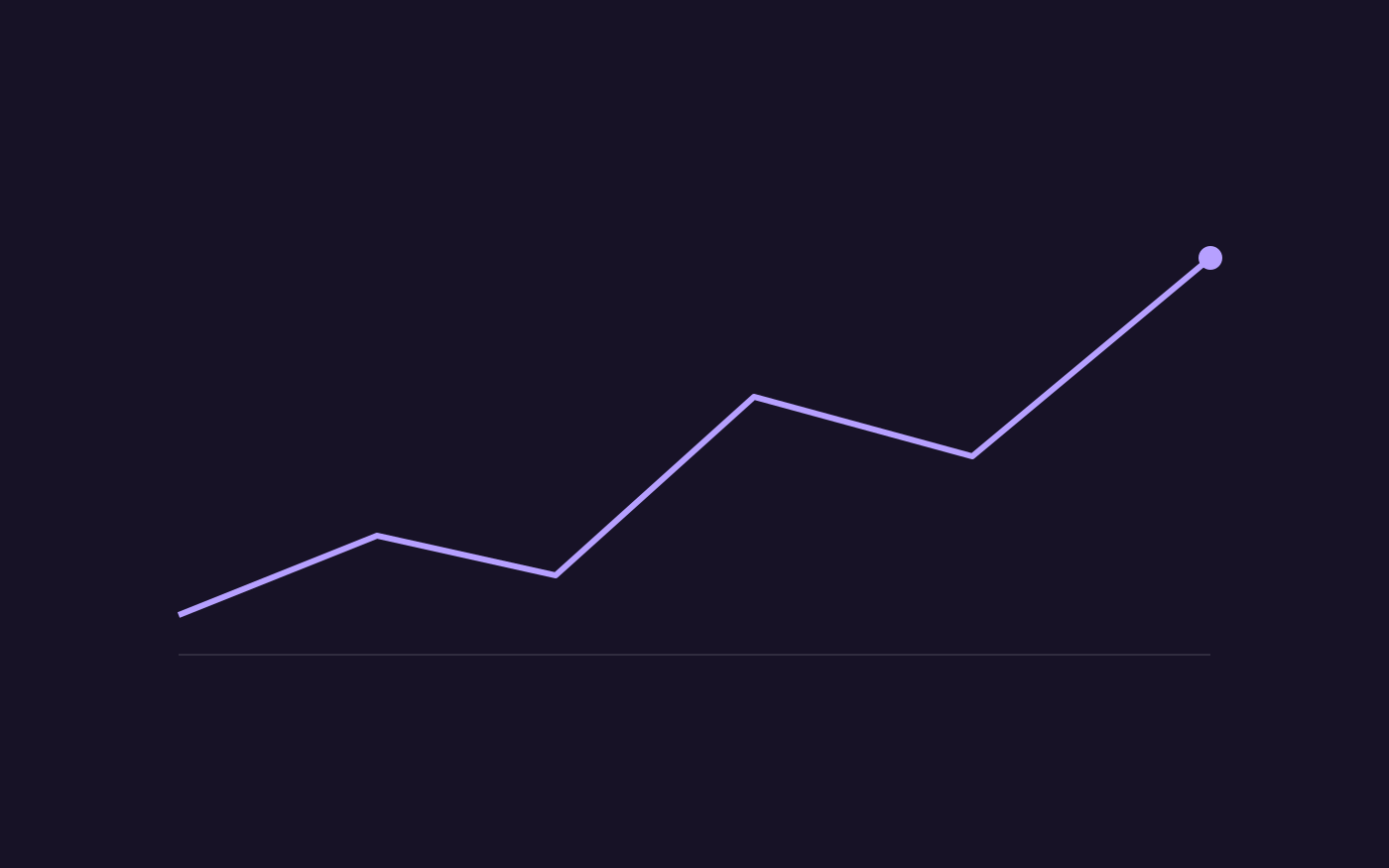
With capture on, warmUP records FPS, frame pacing, and CPU and GPU time for that sitting. The Performance page keeps the sessions. Nothing on it is filled in after the fact.

Steam and GOG follow the store sign-in. Xbox, PlayStation, and RetroAchievements link by username. Rest on a game and its unlocks are already on the card, next to playtime and recent activity.

Hours, sessions, most played, genre, and platform — kept per profile. Open a game and the same picture is there: playtime, achievements, and what you did last.