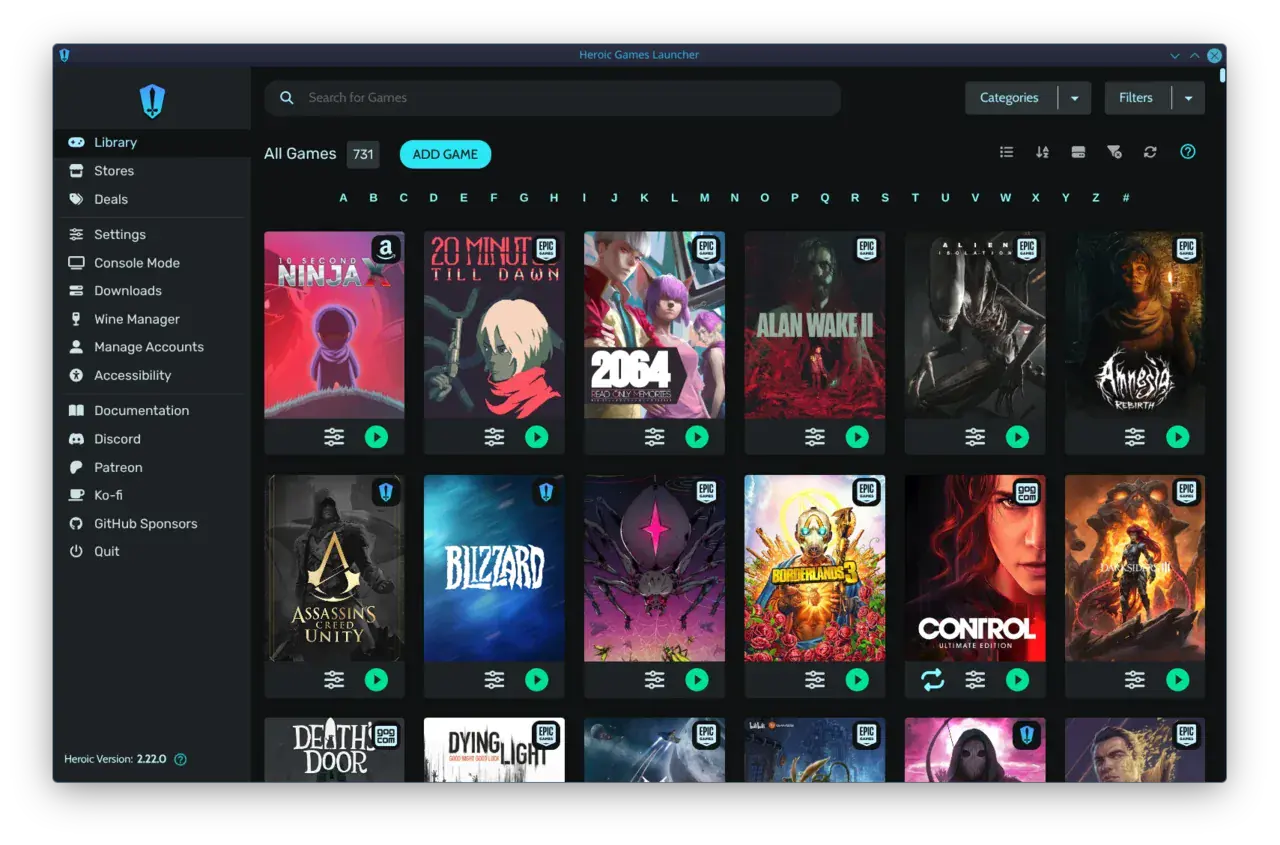

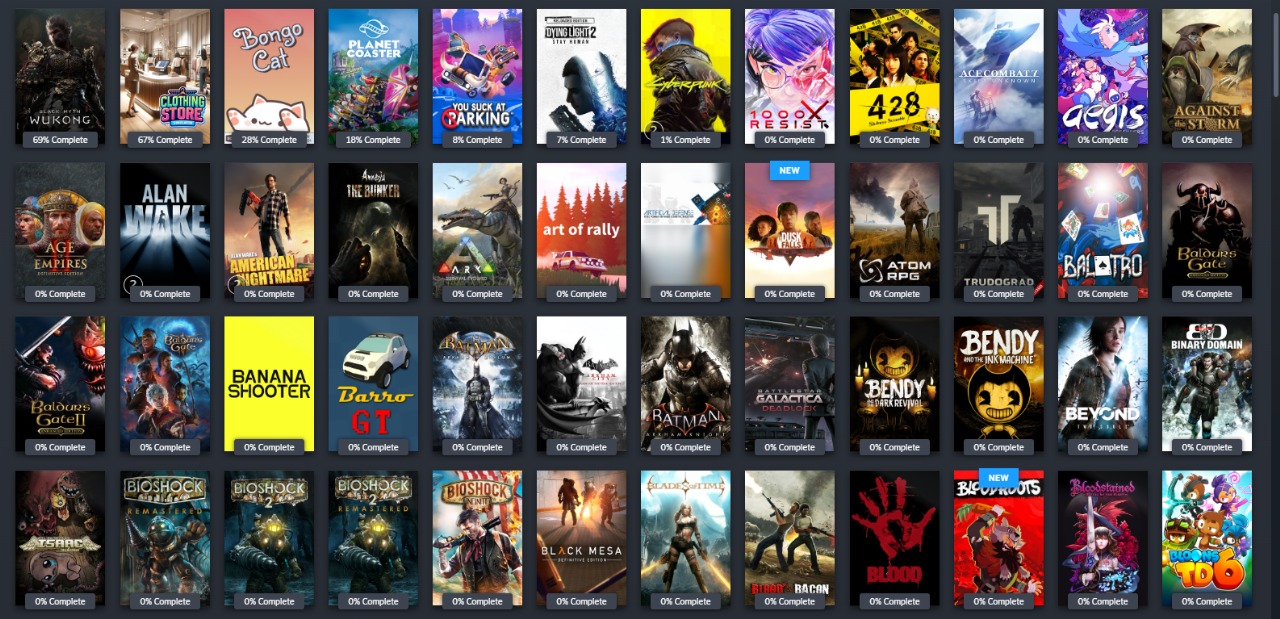
Open Steam right now. Scroll through your library. If you're like the median PC gamer, more than half of those titles have never been launched—not even once. According to data from GameDiscoverCo, the median Steam user has 51.5% of their games sitting unplayed, while even the average user leaves 32.7% untouched. Extrapolating across millions of accounts, that's an estimated $842 worth of unplayed games per person. You're not lazy or undisciplined; you're caught in a system engineered to make you buy and hoard, not to help you play. This guide breaks down why gamers buy games they never play—the psychology, the friction, and the fix—and gives you concrete, research-backed steps to actually start enjoying your backlog instead of just staring at it.
The Psychology Behind the Backlog: Why Gamers Buy Games They Never Play
Every Steam sale, every limited-time discount, every 'your friend owns this' notification taps directly into the same neural machinery that kept our ancestors alive. The problem is that machinery is now aimed at a digital storefront with one-click purchasing and a library that feels infinite.
The first culprit is dopamine. We tend to think dopamine is the pleasure chemical, but neuroscience tells us it's actually about anticipation. Your brain releases a surge when you spot a deal—not when you play the game. Browsing a sale page is, as one analyst put it, walking into a 'dopamine gauntlet.' Every discounted game is a tiny reward signal, and with Steam running roughly 20 sales per year, that gauntlet is always open. The AAA title that's 75% off? Your lizard brain doesn't care that you already own 200 unplayed games; it only cares that you're getting a $60 experience for $15 right now.
“Browsing a sale page is walking into a dopamine gauntlet.”
— Vaulted Games – The Psychology Behind Impulse Gaming Purchases
That's where FOMO and loss aversion team up. A limited-time offer isn't asking 'do you want this game?'—it's asking 'can you afford to miss it?' The fear of missing out overrides the rational part of your brain that might ask whether you have the time, the interest, or the hardware to enjoy it. You buy not because you plan to play, but because saying no feels like losing something valuable. Behavioural economists call this loss aversion: we feel the pain of missing out twice as intensely as the pleasure of gaining the same thing.
Then there's present bias—the human tendency to value immediate gratification over future rewards. Buying a game delivers a tiny hit of satisfaction right now; actually playing it requires time, mental energy, and the emotional commitment of starting something new. The purchase scratches an itch; the playthrough feels like work. Over months and years, that gap between 'buy' and 'play' widens into a chasm, filled with hundreds of games you wanted, once, for a moment.
Finally, when you do sit down to play, you hit the problem of choice overload. Pioneering research by psychologists Sheena Iyengar and Mark Lepper found that when consumers face 24 choices instead of 6, they're significantly less likely to make any choice at all—and when they do, they're less satisfied. Your Steam library with 500+ games isn't a treasure chest; it's a decision minefield. Scrolling past cover after cover, trying to remember why you bought this one, whether that one still holds up, whether you're in the mood for a 3-hour or 80-hour commitment—it's mentally exhausting. So you close the launcher and watch a stream instead.
“I have in the past found myself opening up Steam, seeing over 200 games in my library with many genuinely fun titles, scrolling through them all, and then just closing Steam out of decision paralysis.”
— Duncan Maile – The Curse of the Digital Game Backlog
When Your Library Works Against You: Friction and Fragmentation
The psychological patterns are powerful on their own, but modern PC gaming adds a thick layer of practical friction that makes starting a game feel like a chore. Your games aren't in one place—they're scattered across Steam, Epic, GOG, EA, Ubisoft Connect, itch.io, and maybe a few emulators. Each storefront has its own launcher, its own update cycle, its own login prompt, and its own interface. The simple act of 'playing a game' now requires you to remember which launcher holds which title, wait for that launcher to update, navigate its menus, and hope it doesn't crash on a second monitor.

That fragmentation is a silent killer of playtime. Even with a powerful PC, the cognitive load of juggling storefronts adds a barrier between you and the game. When your backlog is already a source of anxiety, every extra click, every password re-entry, every launcher reboot becomes a reason to give up before you've started. A library manager like Playnite can help by pulling all your games into a single view, but it doesn't eliminate the underlying launchers—it just hides them. And for couch gamers who want a console-like experience with a controller, the traditional mouse-and-keyboard launcher dance is a dealbreaker.
Get from the couch to playing in seconds
One Launcher. All Your Games. Zero Friction.
warmUP is a couch-first PC game launcher that unifies your entire library—Steam, Epic, GOG, emulators, everything—into a single controller-friendly interface. No more jumping between storefronts, no more grabbing a mouse. Boot up, pick your controller, and start playing. Your backlog has enough barriers already. Join the waitlist for early access.
7 Research-Backed Strategies to Start Playing Your Backlog
Understanding the psychology is half the battle. The other half is building simple systems that bypass your brain's worst impulses. These seven strategies aren't just theory—they're drawn from behavioural science and community-proven methods, and they work together to turn 'should play' back into 'want to play.'

1. Remove Saved Payment Methods
The single most effective way to curb impulse purchases is to add friction to the checkout process. Remove your saved credit card and PayPal details from Steam, Epic, GOG, and every other store. Force yourself to type in your card number every time you buy. That minute of manual entry gives your prefrontal cortex—the rational decision-maker—a chance to catch up to your dopamine-flooded limbic system. Ask yourself: 'Do I actually want this, or do I just want the deal?' If you still type in 16 digits and a CVV, at least it was a conscious choice.
2. Make Your Wishlist a Cooling-Off Zone
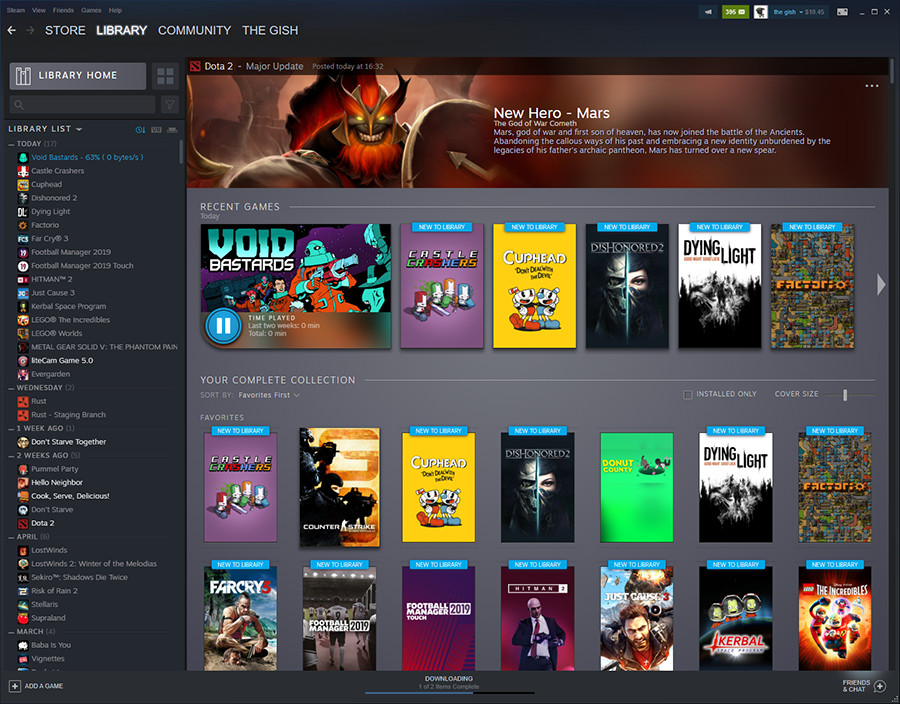
Wishlists are the perfect tool for delaying gratification. Instead of buying a game the moment it goes on sale, add it to your wishlist and set a calendar reminder for 7 days later. After a week, the dopamine hit has faded, and you're looking at the game with clearer eyes. Better still, use price-alert services to get notified only when a game drops to a specific target price—one you set in a calm state, not in the heat of a flash sale. This transforms the wishlist from a shopping cart into a safety valve.
3. Adopt a One-In, One-Out Rule
Your backlog isn't infinite, but it behaves like one if there's no gate. Establish a simple rule: you can only buy a new game when you've finished or deliberately abandoned one you already own. 'Finished' doesn't mean 100% completion—it can mean seeing the credits, reaching a satisfying stopping point, or simply deciding that a game isn't for you. This rule creates a direct link between consumption and acquisition, preventing the library from ballooning while your playtime stays flat.
4. Limit Your Active Game List to Three Titles
Your brain can only juggle so many fictional worlds at once. Cap your currently installed or 'active' games at three: one primary game you're mainlining, one secondary game for a change of pace or genre, and one multiplayer or social title. Everything else stays buried in the backlog tab. When you finish one, you promote something from the pile—but you only see three icons when you sit down to play. That's six times fewer choices than the point where paralysis kicks in.
5. Use the 30-Minute Test for Backlog Games
A massive backlog often contains games you bought on a whim or because a friend raved about them—but you have no idea if they actually click with you. Commit to a 30-minute window. Launch a game you've never touched and give it your full attention for exactly half an hour. If you're engaged and want to keep going, great—move it to your active list. If you're bored or the mechanics don't click, uninstall it and mark it as 'shelved' without a shred of guilt. Life is too short for obligation play.
6. Shelve Games Deliberately Instead of Drifting Away
The most corrosive part of a backlog is the quiet guilt of games you didn't finish. You drifted away from Skyrim six months ago, and now its icon is a small, private accusation every time you open Steam. The fix is surprisingly simple: make a conscious choice to put it down. Create a 'Shelved' or 'Plan to Play Later' category in your library and move it there. As one backlog coach put it, 'There is a difference between drifting away and choosing to stop. Drifting leaves residue.' A deliberate decision—even 'I'm not playing this right now'—clears the mental cache and stops the game from draining your energy.
“The most underrated move in a busy month is putting a game down cleanly. There is a difference between drifting away and choosing to stop. Drifting leaves residue. The icon sits there. The save file waits. You half-remember where you were. You half-plan to return. Six weeks later, the game has become a small private accusation.”
— Perthro – Survive the June Game Pile Without Backlog Guilt
7. Keep a Game Journal to Remember Why You Were Interested
One of the strangest symptoms of a deep backlog is forgetting why you added a game in the first place. You stare at the title in your library and draw a blank. A simple fix: keep a plain text file or notes app entry where you jot down one sentence about why a game caught your eye. 'Watched a streamer make a wild build,' 'Heard the soundtrack and got chills,' 'Friend said it's the best horror since RE7.' When you're next looking for something to play, that sentence cuts through the fog and reconnects you with the excitement you felt when you hit 'add to wishlist.'
Your Backlog Battle Plan in One Place
- Delete saved payment methods to force a pause before buying.
- Use wishlists as a mandatory 7-day cooling-off period, not a shopping cart.
- Apply a one-in, one-out rule: no new games until an old one is finished or shelved.
- Keep your active game list to 3 titles—primary, secondary, and social.
- Give each backlog game 30 minutes; if it doesn't click, uninstall guilt-free.
- Make a conscious decision to shelve games rather than letting them drift into obligation.
- Track why you were excited in a simple game journal to overcome choice paralysis later.
From Backlog Guilt to Gaming Joy
There's a reason why gamers buy games they never play: the system is rigged in favour of clicking 'purchase,' not pressing 'play.' Between dopamine-fueled sales, FOMO-tuned countdown timers, and library interfaces that treat 500 games like a feature rather than a burden, the path from purchase to playthrough is full of traps. But you don't have to accept them. By understanding the psychology, adding smart friction to your buying habits, and ruthlessly curating your active library, you transform a pile of digital obligation into a wellspring of genuine enjoyment.
You could also stack the deck by removing the practical friction that keeps you from starting a game in the first place—unifying your stores, killing launcher hell, and giving yourself a couch-friendly way to dive in the moment you sit down. Whether you use a dedicated library manager, a game journal, or a console-style launcher that puts everything under one roof, the goal is the same: make your PC feel less like a storefront and more like a playground. The games you already own are waiting. It's time to start playing them.
Written by
Mika Lindqvist
Hardware & Performance
Mika benchmarks everything that runs a game — from handhelds to living-room rigs. If a frame drops, he wants to know why.
Comments
Loading comments…