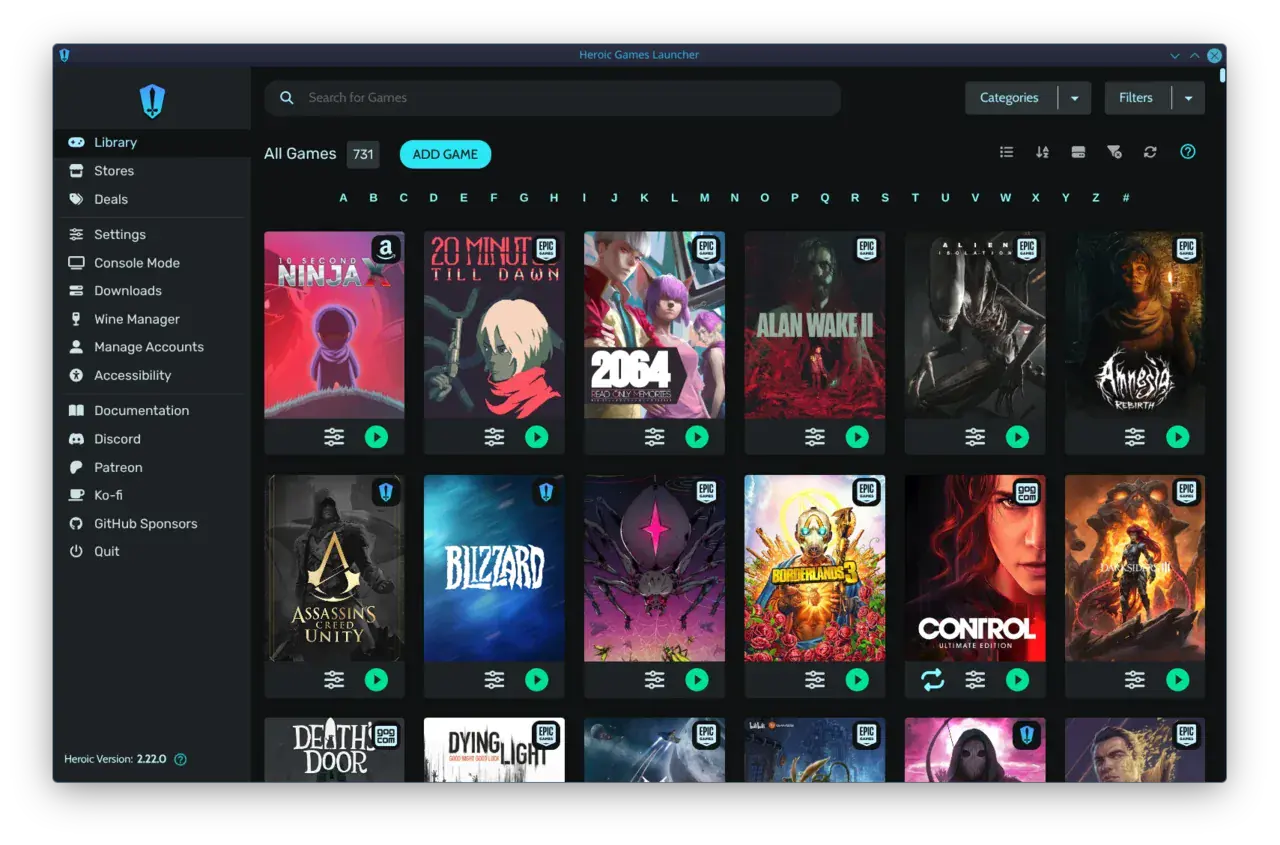

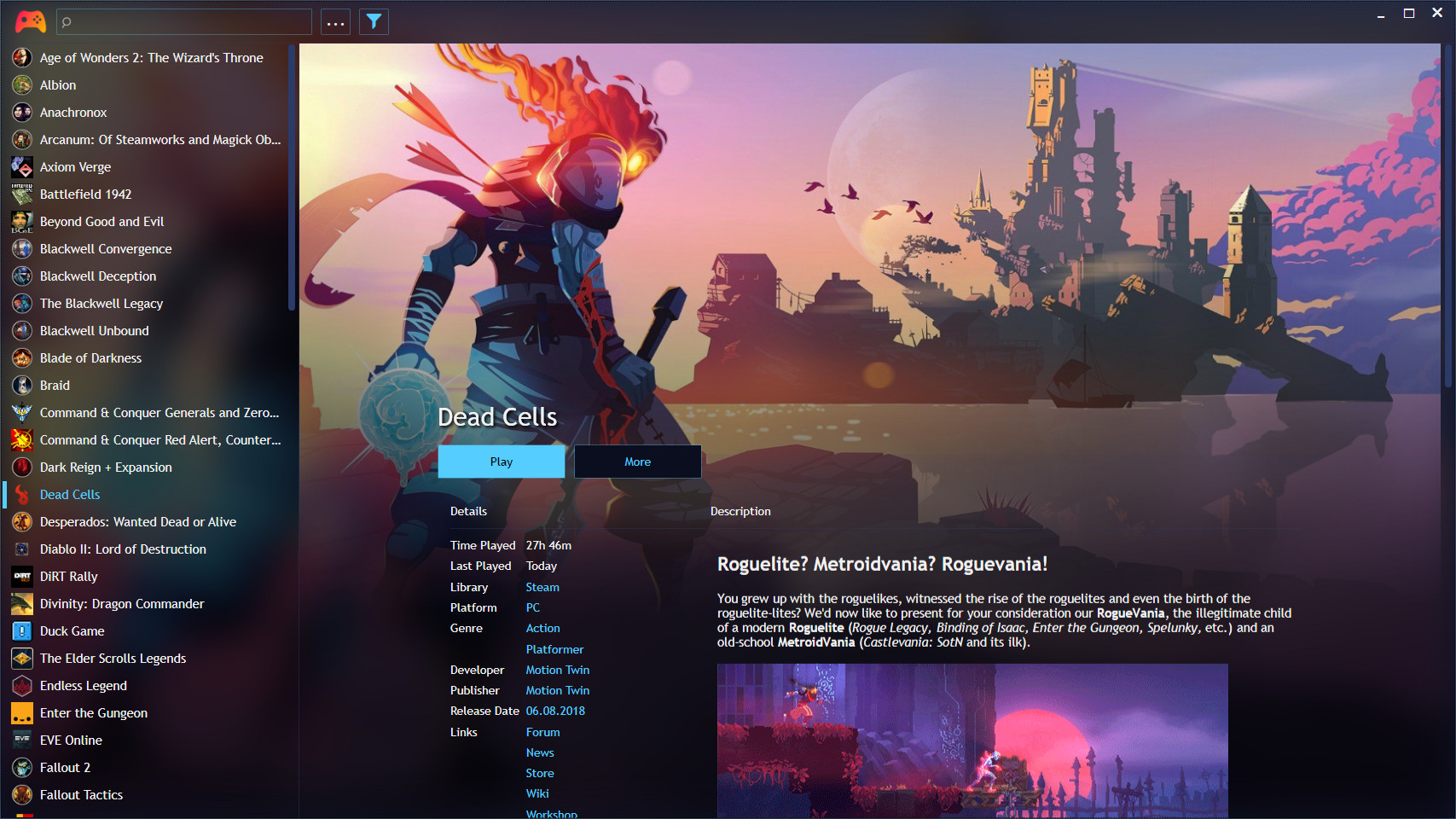
You’ve got a Steam library bursting at the seams, a growing Epic collection from free giveaways, a couple of GOG classics, maybe some Xbox PC titles. But when you sit down to play from the couch, you’re suddenly playing a memory game: ‘Where did I buy that one again?’ The dream of a seamless cross-store game library—one launcher to rule them all—has been the holy grail of PC gaming for years. Yet in 2026, the biggest storefronts are still refusing to build it. Instead, we’re left with a patchwork of workarounds that range from brilliant-but-fiddly to officially-broken. Let’s unpack why big corporates ignore the cross-store library and what you can actually use to get your collection under one roof today.
Why Your PC Game Collection Looks Like a Jigsaw Puzzle
PC gaming has never had more storefronts. Steam, Epic Games Store, GOG, EA App, Ubisoft Connect, Microsoft Store, Battle.net—the list creeps up every year. Each launcher wants to be your digital clubhouse, and that fragmentation hits hardest when you’re trying to kick back on the sofa. Console-to-PC converts often describe it as the single biggest shock: on a PlayStation or Xbox you turn on the machine and every game is just there. On a PC, you might launch Steam Big Picture, realize the game you want lives on Epic, exit out with a mouse, launch Epic, then remember you installed it through Ubisoft Connect underneath. Couch gaming—hell, even desk gaming—becomes a chore.
The numbers are absurd. A typical enthusiast might have games spread across five or six launchers. Even if you stick to one store out of principle, those ‘free’ weekly Epic titles eventually add up. And when you add emulators or legacy DRM-free installs into the mix, your PC library is less a library and more a dozen separate drawers you have to rummage through one by one. No mainstream launcher delivers a true couch gaming library unification that works with a gamepad out of the box—and that’s the gap the entire PC ecosystem keeps dancing around.
What Big Corporates Ignore About Game Launchers
This isn’t an accident. Valve, Epic, CD Projekt Red—they all have massive incentives to keep you inside their ecosystems. A cross-store game library would mean Epic users might buy a game on Steam because it’s on sale, and never feel the friction of leaving their primary launcher. That’s a nightmare for user retention dashboards and ‘monthly active user’ metrics that drive share prices. As a result, the big corporate launchers treat cross-store unification like an afterthought—if they touch it at all.

Steam can technically act as a universal launcher by adding non-Steam games manually, but it lacks proper integrations: no metadata, no achievements, no playtime tracking for those titles. GOG Galaxy 2.0 promised a genuine unified library with community-built integrations for Steam, Epic, Xbox Live, and more, but the reality on the ground in 2026 is grim: integrations are frequently reported as broken or abandoned, leaving users to fight a constant battle of reconnecting accounts. The Gamesport.cloud 2026 launcher comparison highlighted exactly this—cross-store convenience usually relies on third-party plugins that are less stable than native launchers, and the gap between a seamless experience and a tinkerer’s project remains huge.
Existing Cross-Store Game Library Solutions: The Good, The Bad, and The Broken
If corporates won’t build it, the community will. The result is a handful of third-party universal launchers that do what the big stores refuse to. But each comes with its own trade-offs—from heroic setup marathons to abandoned official projects. What’s really missing is a controller-friendly cross-store library that treats the couch as a first-class citizen, not an afterthought.
Cross-Store Launchers at a Glance
| PlayniteOpen-source powerhouse with 44+ store plugins | GOG Galaxy 2.0Official cross-store hub with community integrations | Steam Big PictureThe couch mode you already know | warmUPtrophyZero-setup, controller-first unified launcher | |
|---|---|---|---|---|
| Multi-store import | check_circle | check_circle | manual only | check_circle |
| Metadata & achievements | plugins | broken | cancel | planned |
| Controller navigation | fullscreen mode | partial | check_circle | check_circle |
| Setup difficulty | moderate–high | low (if integrations work) | none (Steam only) | zero |
| Performance (large libraries) | fast (~15s for 5k games) | very slow | fast | lightweight |
| Couch-first design | optional | cancel | check_circle | check_circle |
Playnite is the enthusiast’s darling. It’s free, open-source, and can pull in games from virtually every storefront including emulators. Its fullscreen mode even delivers a console-like interface controllable entirely by gamepad. But ‘powerful’ and ‘easy’ aren’t the same thing. As XDA Developers noted, ‘Playnite is incredible once it’s set up just the way you like, but getting there takes plenty of legwork.’ Community extensions can break with updates, and curating a 5,000-title library into a clean couch experience is a project, not a one-click solution. For the patient tinkerer, there’s nothing better; for the person who just wants to grab a controller and play, it’s still too many hurdles.
GOG Galaxy 2.0 was the great hope. Its official plugins for Steam, Epic, Ubisoft, and Xbox Live promised a plug-and-play cross-store library. But years of neglect have left it limping. User reports are rife with broken integrations that disconnect on every launch, and load times that can stretch into minutes while it syncs platforms—even on an SSD. ‘A quick search on the GOG subreddit will turn up dozens of threads about Galaxy being abandoned,’ wrote one XDA review, and my own experience mirrors it: the Xbox Live plugin fell apart, Ubisoft never fully worked right, and even the Steam integration required constant re-authentication. Without Linux support despite GOG selling Linux-native games, it feels increasingly like an afterthought inside CD Projekt’s strategy.
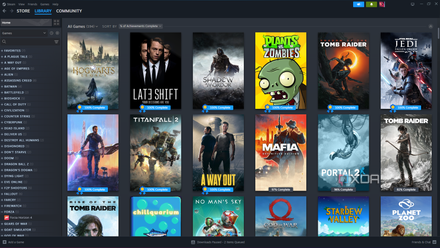
Steam Big Picture remains the easiest couch interface—if you stick to Steam. Adding non-Steam games works, but the result is a barebones shortcut list with no art, no achievements, and no playtime. Controller remapping via Steam Input is genuinely superb, yet the library fragmentation stays right where it was: you’re still launching multiple store clients underneath. Steam Deck owners trying to fold Epic or GOG titles into Gaming Mode face exactly the same pain: per-title manual additions, missing artwork, and no playtime sync. The deck has made the problem more visible than ever, because it’s exactly the kind of pick-up-and-play device that exposes launcher sprawl.
What Users Are Actually Saying
“I thought, it would be more convenient, but it turns out, that adding another launcher on top of other launchers, that have games that may also require additional launchers (got all that?) just makes it even worse.”
— Steam community discussion on GOG Galaxy
That frustration echoes across forums. The promise of a unified cross-store game library is so enticing that users keep trying, but they often find themselves debugging launchers instead of playing games. One Reddit user reported Playnite loading 5,000 games in 15 seconds; another on the same thread admitted they’d abandoned GOG Galaxy entirely because of minute-long launches. On the Steam Deck subreddit, highly‑upvoted workarounds for integrating Epic and GOG games involve installing Heroic Games Launcher, then manually adding each title to Steam with custom artwork—a far cry from the console-like ‘press download, play’ dream.

This is especially true for couch and handheld PC gamers. MyGamesAnywhere (MGA), a newer local-first launcher, tackles the canonical merge problem head-on by source-backing every game and exposing detection failures, but its interface is still raw and aimed squarely at tinkerers. The gap between ‘technically possible’ and ‘actually pleasant’ is vast, and the community knows it. The cross-store game library concept isn’t niche—it’s the missing link that would let PC gaming finally feel as friction-free as consoles.
Enter warmUP: The Couch-Smart Library Big Stores Refuse to Ship
Made for the Sofa
Stop hopping between launchers from your couch
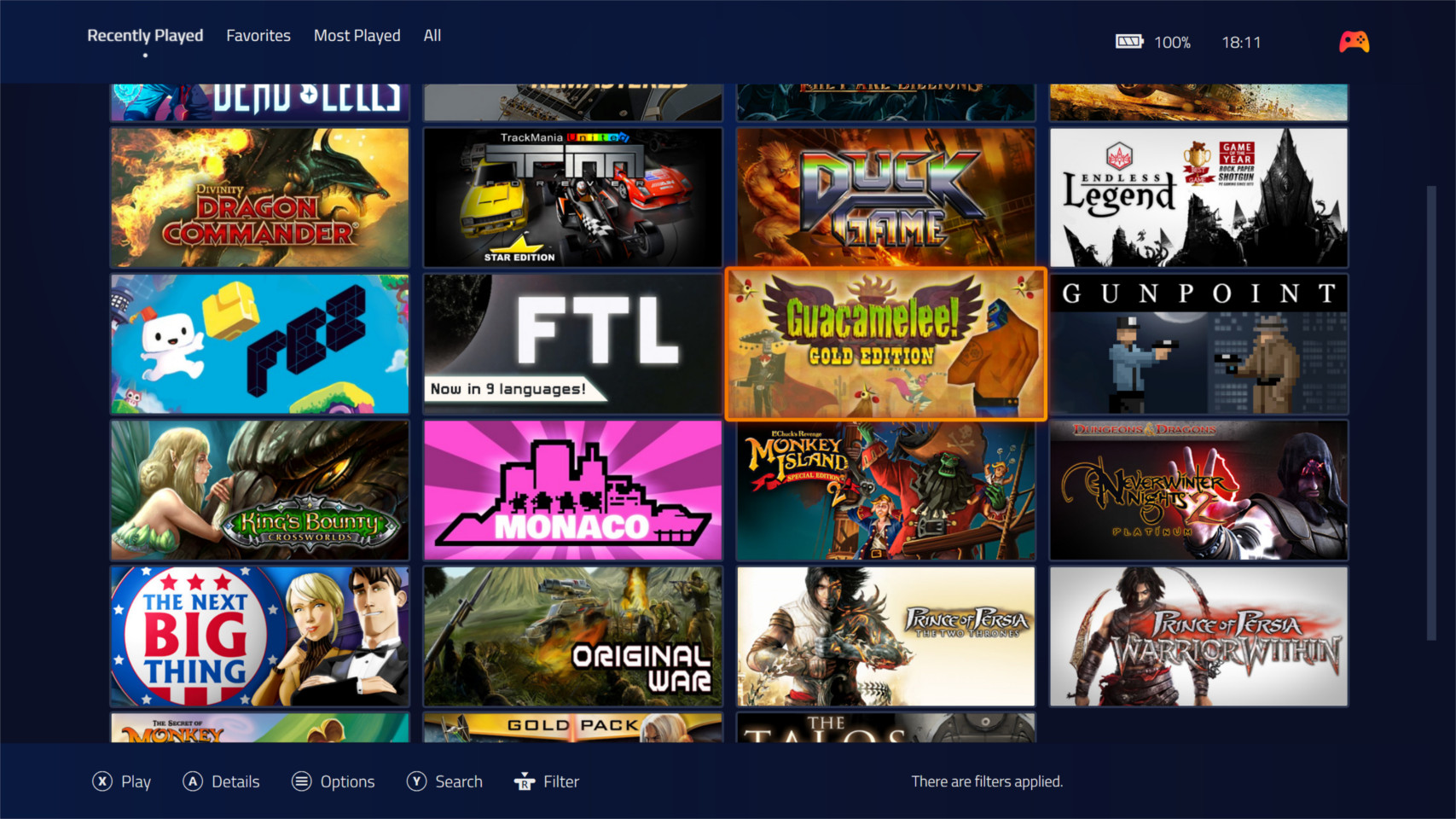
warmUP is building the cross-store, controller-first library that big publishers ignore. Zero setup, every store in one place, and designed from the ground up for the living room. Join the waitlist to be there when the console-like PC experience finally lands.
The Bottom Line
If you’re willing to invest an afternoon configuring plugins and themes, Playnite remains the most capable cross-store library manager in 2026—it’s fast, free, and deeply customisable. GOG Galaxy 2.0, sadly, feels like a brilliant idea left to wither. Steam Big Picture is fine for Steam-only setups but not a true aggregation tool. What’s missing is the product no major publisher has an incentive to build: a launcher that unifies all your stores with zero tinkering, built specifically for controller and couch navigation. That’s the cross-store game library the community has been asking for, and it’s why projects like warmUP are worth watching.
Key Takeaways
- Big storefronts won't build a true cross-store game library because walled gardens drive engagement and lock-in.
- Playnite is the best DIY universal launcher today, but setup is a barrier for many couch gamers.
- GOG Galaxy 2.0’s integrations are widely reported as broken or abandoned—proceed with caution.
- For a genuinely zero-setup, controller-first experience, upcoming launchers like warmUP finally promise a console-like PC library without the legwork.
Written by
Rosa del Pero
Senior Gaming Editor
Rosa covers launchers, storefronts and the tools that shape how we play on PC. She has spent a decade reviewing gaming software and still believes the couch is the best seat in the house.
Comments(0)
No comments yet. Be the first to share your thoughts.