

Why Knowing When to Stop Playing Video Games Matters
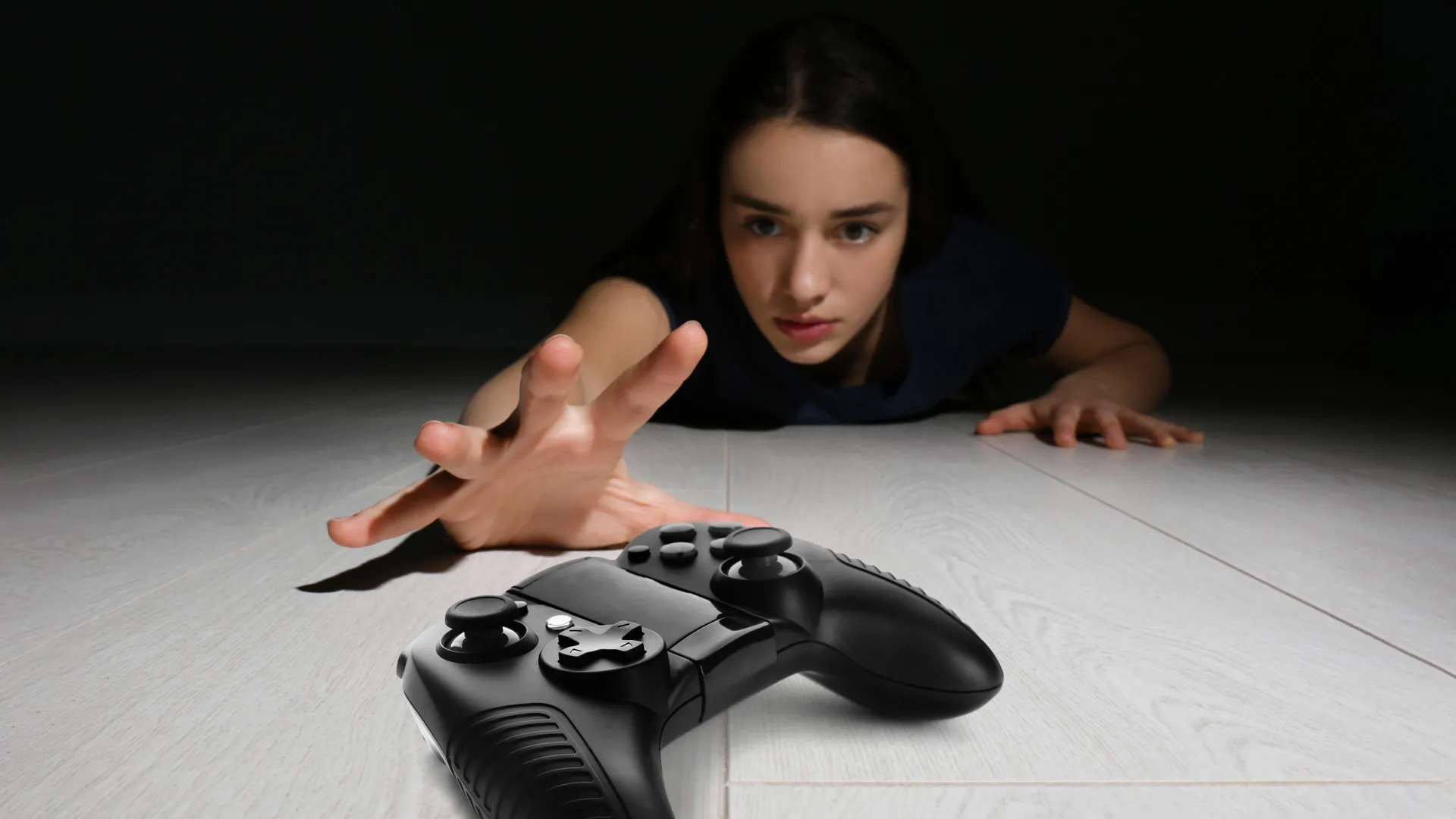
We’ve all been there. It’s 2 a.m., your eyes are dry, you’ve promised yourself ‘just one more match’ for the last three hours, and tomorrow’s alarm clock is already laughing at you. Gaming is an incredible hobby-social, creative, competitive-but knowing when to stop playing video games is a skill that keeps it fun and healthy. The line between passion and problem can get blurry, especially when publishers design games to be as sticky as possible. This guide isn’t about shaming anyone or telling you to quit. It’s about giving you the real signs, the latest science, and the practical tools to stay in control-whether you’re a player or a parent.
The 10-Hour Weekly Threshold: What the Science Really Says
A 2026 Curtin University study of 317 Australian students made headlines by linking more than 10 hours of gaming per week to worse diet quality, higher BMI, and poorer sleep. The numbers are stark: the group playing 10+ hours had a median BMI of 26.3, compared to 22.2–22.8 for those gaming less. But before you set a hard alarm at 9 hours 59 minutes, let’s be clear-this isn’t a diagnostic rule. The researchers themselves stress that the study shows a pattern, not causation. Ten hours is a useful flag, not a cliff edge. Some people thrive on 12 hours of focused weekend gaming while maintaining a full life; others might start slipping at 6. What matters isn’t the number alone, but what gaming is displacing.
Think of the 10-hour mark as a nudge to check yourself: is sleep suffering? Are meals becoming a bag of chips at the desk? Are you skipping real-world hangs for the sake of another raid? If yes, it’s time to reassess-not necessarily quit, but adjust.
When a Hobby Becomes a Problem: Recognizing the Red Flags
Gaming disorder is now officially recognized by the World Health Organization in the ICD-11. To be diagnosed, you’d need to show four key patterns over at least 12 months: impaired control (can’t stop or cut down), increasing priority over other life activities, continuation despite negative consequences, and significant functional impairment. The DSM-5 also lists Internet Gaming Disorder with nine criteria-things like withdrawal symptoms, lying about playtime, and using games to escape a bad mood. You’d need five of those present for a year to raise a red flag.
“Although there are a lot of similarities between the two, there are differences in how they approach the diagnosis. The DSM-5 requires a patient to meet five out of nine criteria… The ICD-11, on the other hand, requires a patient to meet four essential criteria.”
— RACGP – Australian Journal for General Practitioners, May 2026
You don’t need to meet clinical thresholds to benefit from a self-check. The IGDT-10 (Internet Gaming Disorder Test) is a free, validated screening tool. Answer 10 simple questions-a score of 5 or higher suggests you should talk to a professional. There’s also the newer GADIT (Gaming Disorder Identification Test) that ties directly to the ICD-11. These aren’t here to label you; they’re mirrors. If you start nodding along to questions about failing to cut back or risking relationships, that’s worth a pause.
Physical Signs Your Body Is Begging for a Break
Long before a therapist gets involved, your body starts protesting. Researchers in the GADIT validation study found that problematic gaming correlated strongly with eye fatigue, hand and wrist pain, and back or neck pain. If you’re rubbing your wrists after every session, squinting through headaches, or your posture has you curled like a shrimp, the game isn’t the only thing wearing down. These are early warnings-your body keeping score while your brain insists on one more level.
Similarly, sleep disruption isn’t just about being tired. The Curtin study showed that high-volume gamers reported significantly worse sleep quality. Using screens an hour before bed suppresses melatonin; adding the cognitive arousal of a tense multiplayer match or a cliffhanger questline makes winding down nearly impossible. If you’re regularly gaming past midnight and dragging through the next day, that’s a sign the balance is off-even if you’re still hitting your in-game targets.
Setting Boundaries Without Sucking the Fun Out of Gaming
Healthy gaming isn’t about white-knuckle abstinence; it’s about harm reduction and self-awareness. Start with the basics. Avoid gaming in the hour before sleep, and if you must play late, drop the competitive stuff for something slower. Schedule your meals-mindless eating while gaming is a real thing, and the study linked excessive gaming to higher junk-food intake and BMI. Swap energy drinks for water and keep actual food around, not just Doritos. Build movement into your sessions: stand up, stretch, or do a quick set of push-ups every 45–60 minutes. Your back will thank you, and so will your aim.
Tracking your time honestly is a game-changer. Use a simple diary-the Timeline Followback (TLFB) method, adapted from substance-use research, works brilliantly: each day, jot down what you played, for how long, and what non-gaming activities got pushed aside. Steam’s built-in playtime tracker shows hours per game over the last two weeks, which is a quick objective check. If you see a second job’s worth of hours in a title and can’t remember the last time you saw a movie with friends, it’s a conversation with yourself.
What Parents Need to Watch For (And What Actually Works)
If you’re a parent, the anxiety hits different-especially when kids retreat to their rooms with multiple devices. The American Academy of Pediatrics flags key warning signs: obsession and irritability when gaming is taken away, loss of interest in other activities, lying about time spent, and using games to escape bad moods. A longitudinal study found that roughly 10% of teens showed unhealthy gaming patterns that worsened over time, with boys and those dealing with depression, anxiety, or ADHD at higher risk.
Rather than banning games outright-which often backfires-focus on displacement. Is gaming stealing sleep, homework, exercise, or in-person socializing? If yes, structure becomes your friend. Create a Family Media Plan (the AAP has a free online tool) and keep gaming devices in common areas when possible. Co-play to understand what they’re playing; you’ll model healthy limits and open dialogue. Research shows that parental monitoring of screen time is directly linked to lower overall gaming hours and less exposure to mature content. It’s not about control, it’s about partnership.
Using Your Platform’s Tools to Stay Honest (Steam, Xbox, PlayStation)
Most gaming platforms already give you the raw data-you just need to use it. Steam shows total playtime and the last two weeks’ hours right in your Library view. It’s a brutally honest mirror. Xbox’s Family Settings app and PlayStation’s Family Management let you set screen-time limits, content filters, and spending caps-designed for parents, but savvy enough to be used as a self-regulation tool. The Nintendo Switch also has Play-Time Limits in its parental controls. None of these will nudge you to take a break mid-session, but they do provide the objective numbers that mirror the TLFB self-monitoring approach clinically recommended. Check them once a week. If the digits make you wince, that’s a signal.
Final Takeaways: Healthy Gaming Is Smart Gaming
- Use the 10-hour weekly gaming mark as a personal check-in point, not a hard rule-look at what’s being displaced, not just the clock.
- Familiarize yourself with the ICD-11 and DSM-5 criteria; if multiple red flags persist for months, consult a professional.
- Physical pain (eyes, wrists, back) is an early warning-built-in stretch breaks and better ergonomics matter.
- Track your real playtime with the TLFB method or platform stats. Self-awareness is the first step to control.
- For parents, co-play and set collaborative limits rather than imposing bans-displacement of sleep, school, and social life is the true alarm.
MAKE YOUR HEALTHY GAMING TIME COUNT
No launcher bloat. No desk hunch. Just play.
When you do sit down to enjoy your session, make it effortless. warmUP turns your PC into a console-like experience-boots straight to a unified library, works with your controller, zero setup. So you can game from the couch, feel fully present, and stop when it’s time, not when a launcher finally finishes updating.
Written by
Mika Lindqvist
Hardware & Performance
Mika benchmarks everything that runs a game — from handhelds to living-room rigs. If a frame drops, he wants to know why.
Comments(0)
No comments yet. Be the first to share your thoughts.