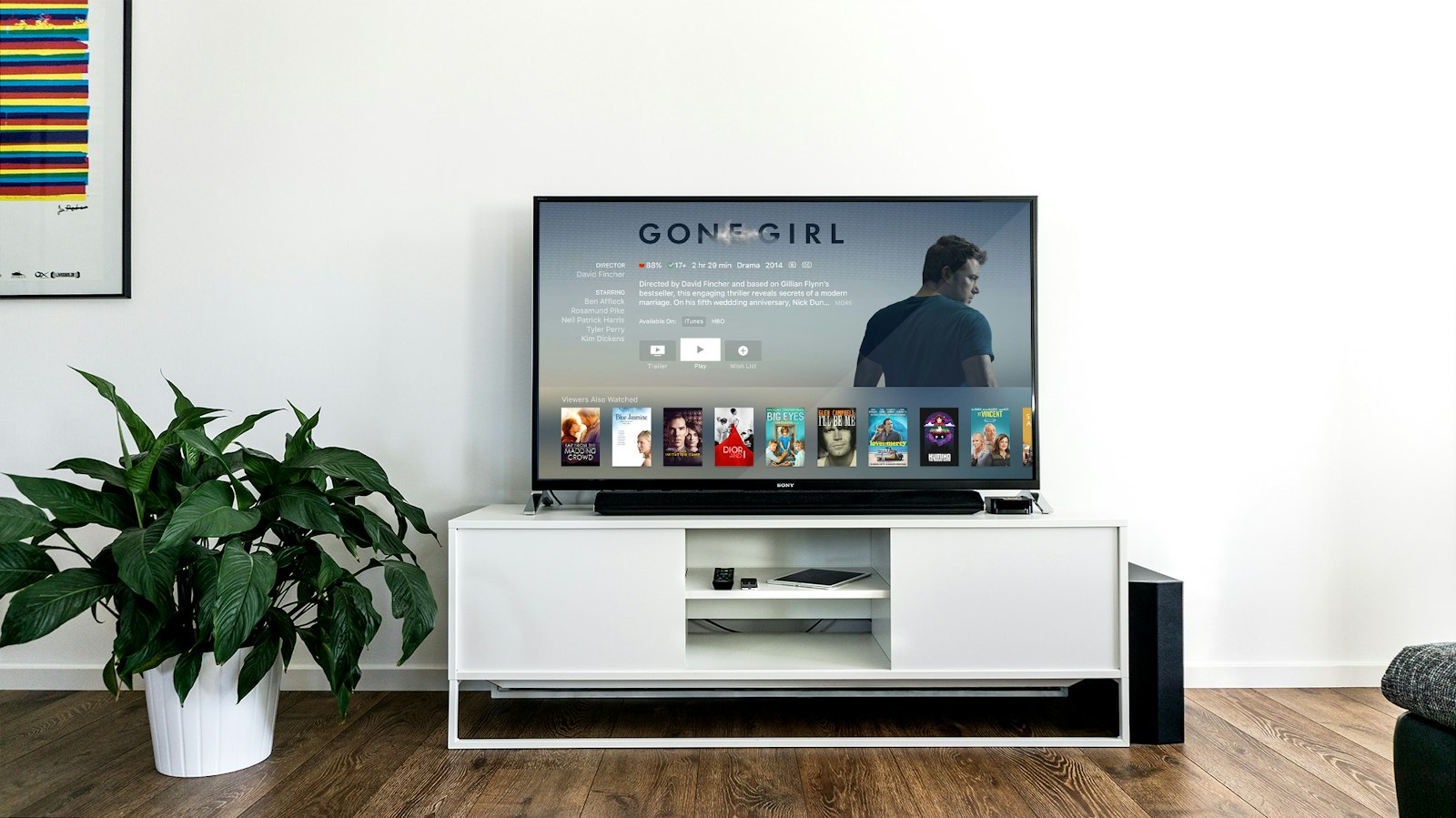
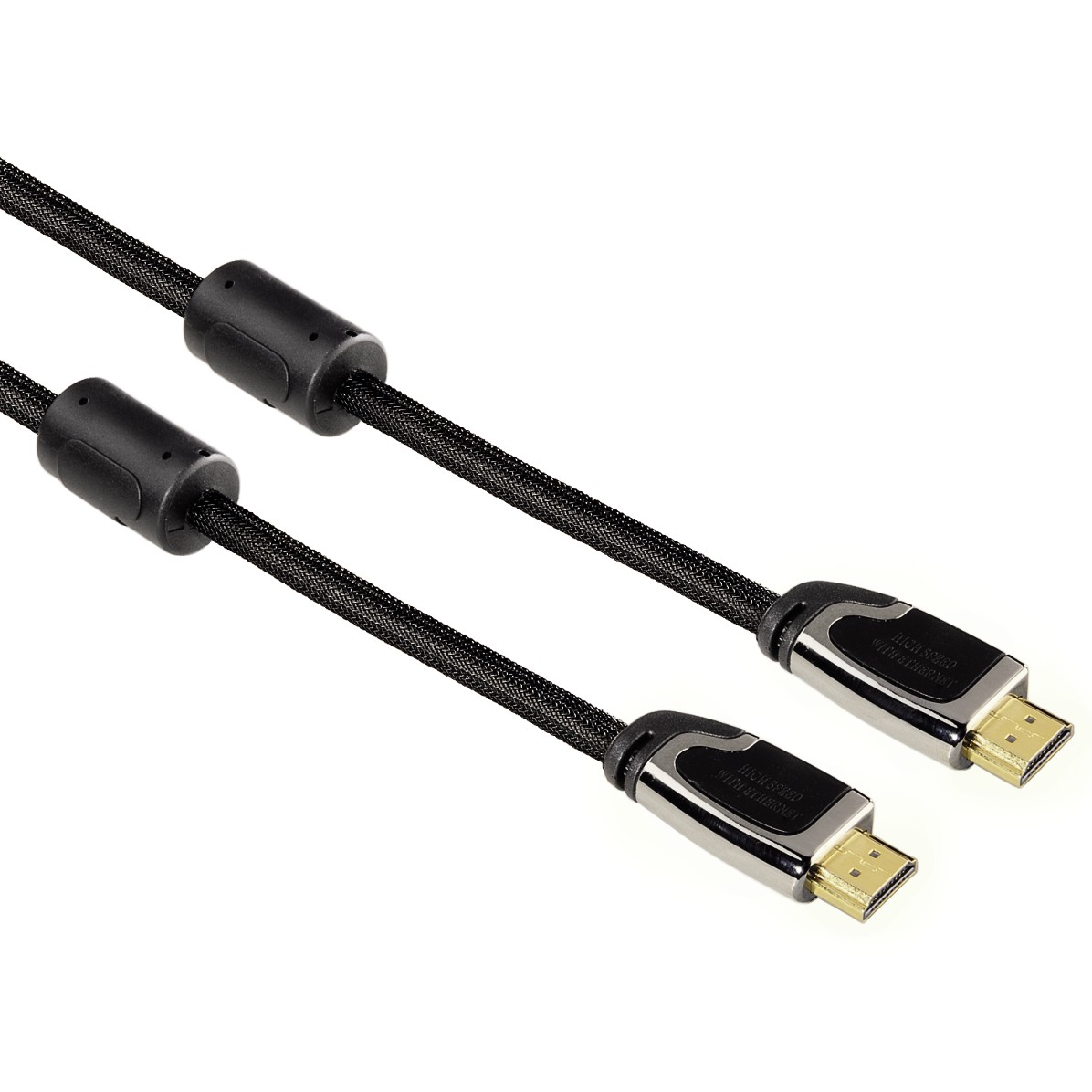
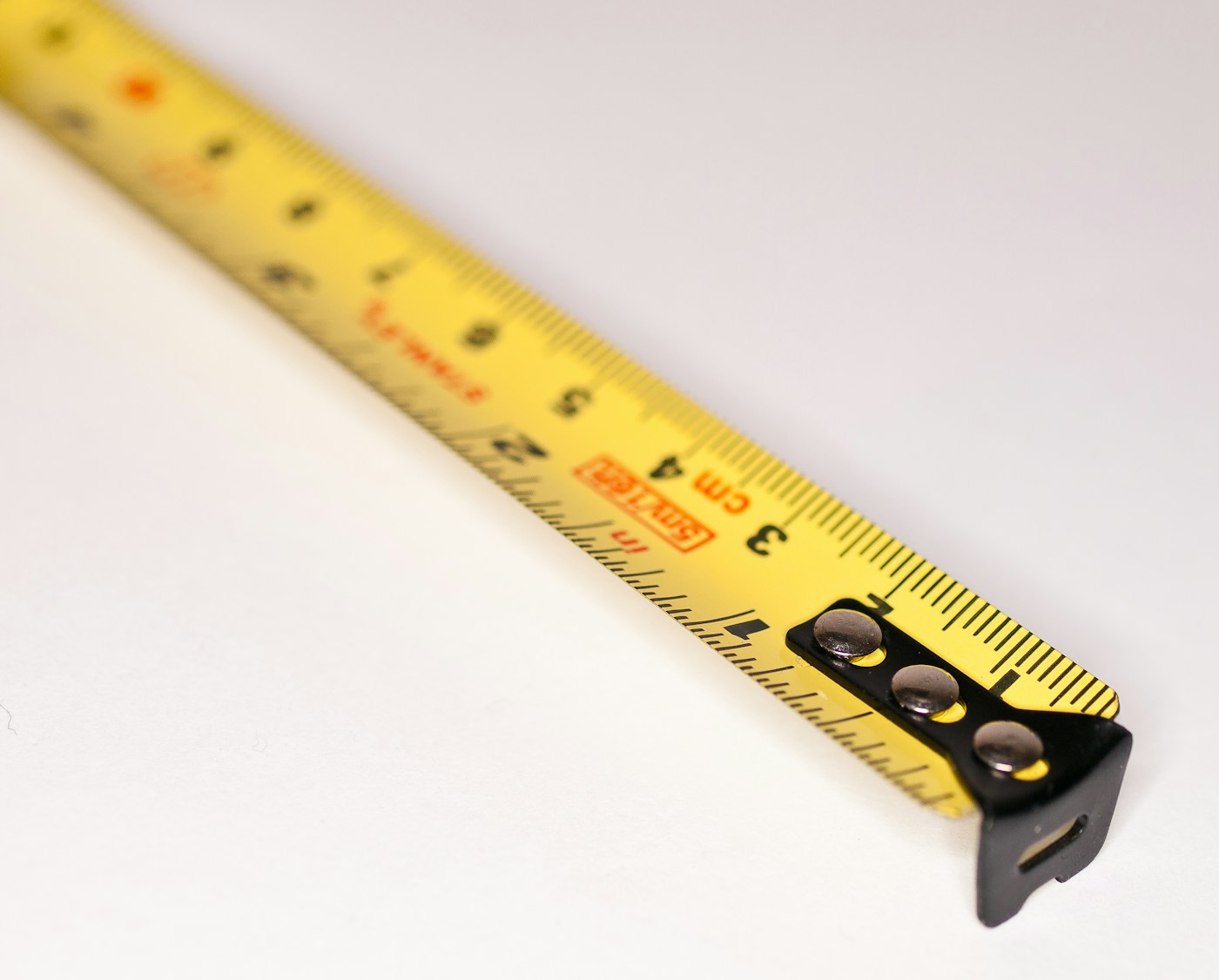
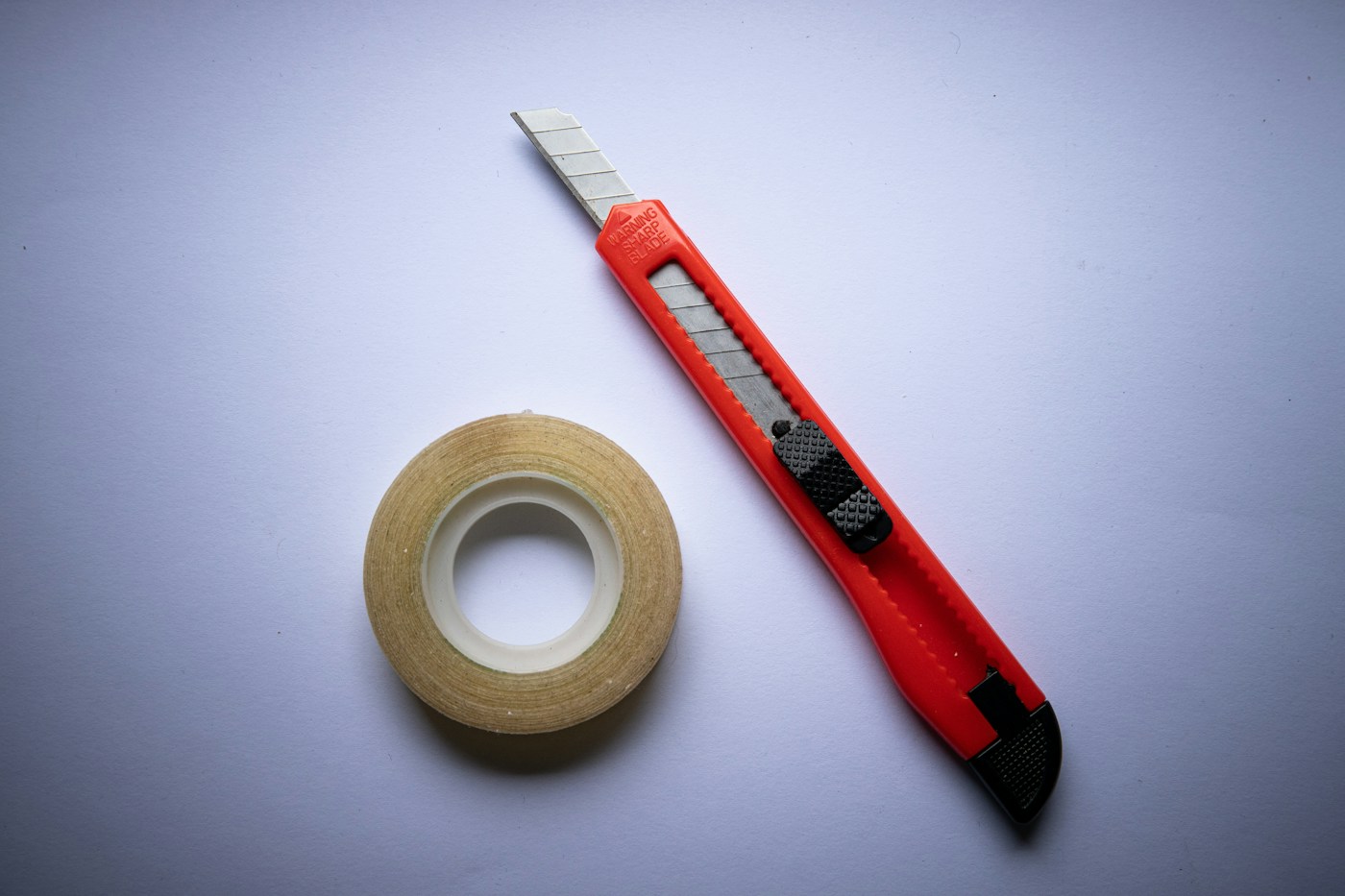
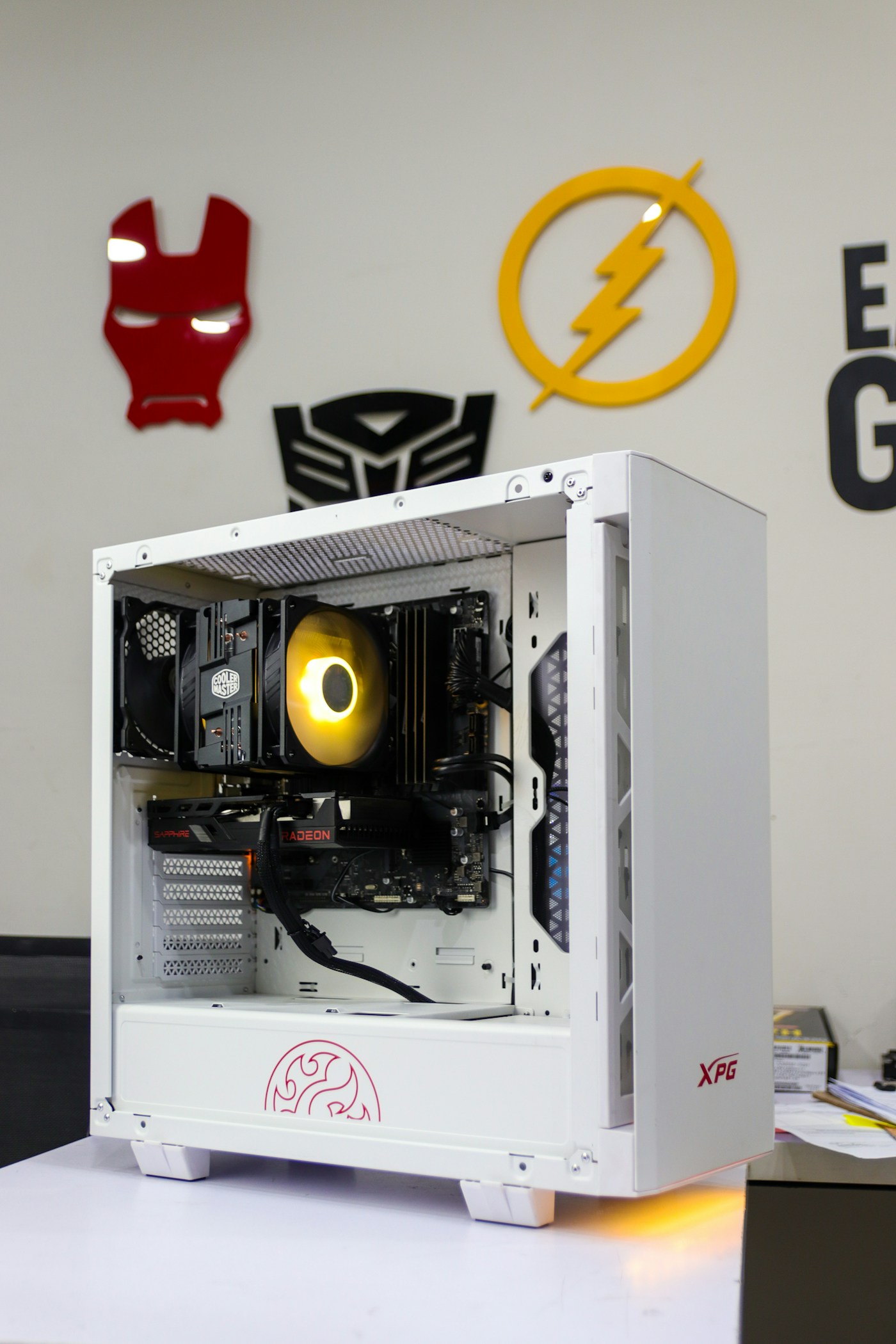
Your PC already uses one HDMI cable for the monitor. Run a second cable from the PC to the TV. Measure from the TV’s HDMI input, along the floor, to the PC with a retractable tape measure — then buy that length. Most living rooms land on 5, 10, or 15 meters. To keep it clean, press the cable into thin double-sided tape along the wall or skirting. You can find that tape almost anywhere.
Tip. Measure twice. A cable that is one meter short is the only kind you will notice every evening.
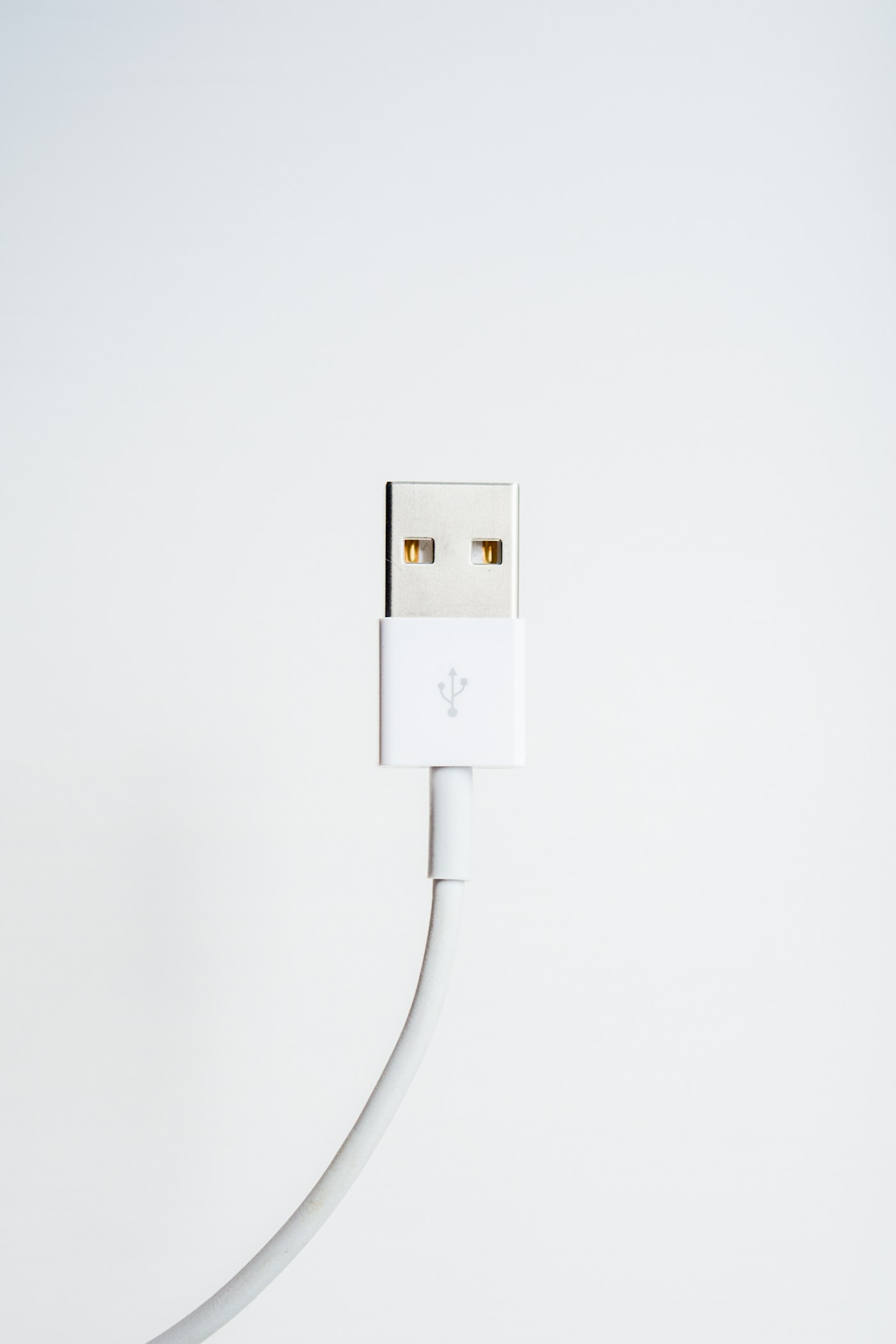
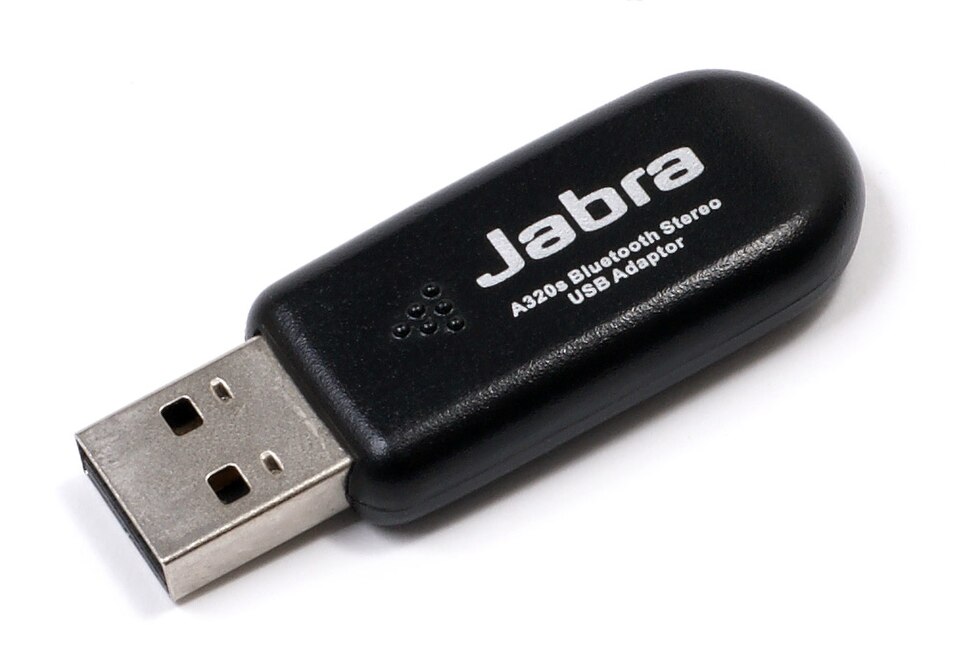
Playing in a different room than the PC? Bluetooth often drops at that distance. Put a Bluetooth adapter near the TV and connect it back to the PC with a USB extension cable, so the controller talks to a radio that is actually in the living room.
Tip. Park the adapter where you sit, not where the tower lives.
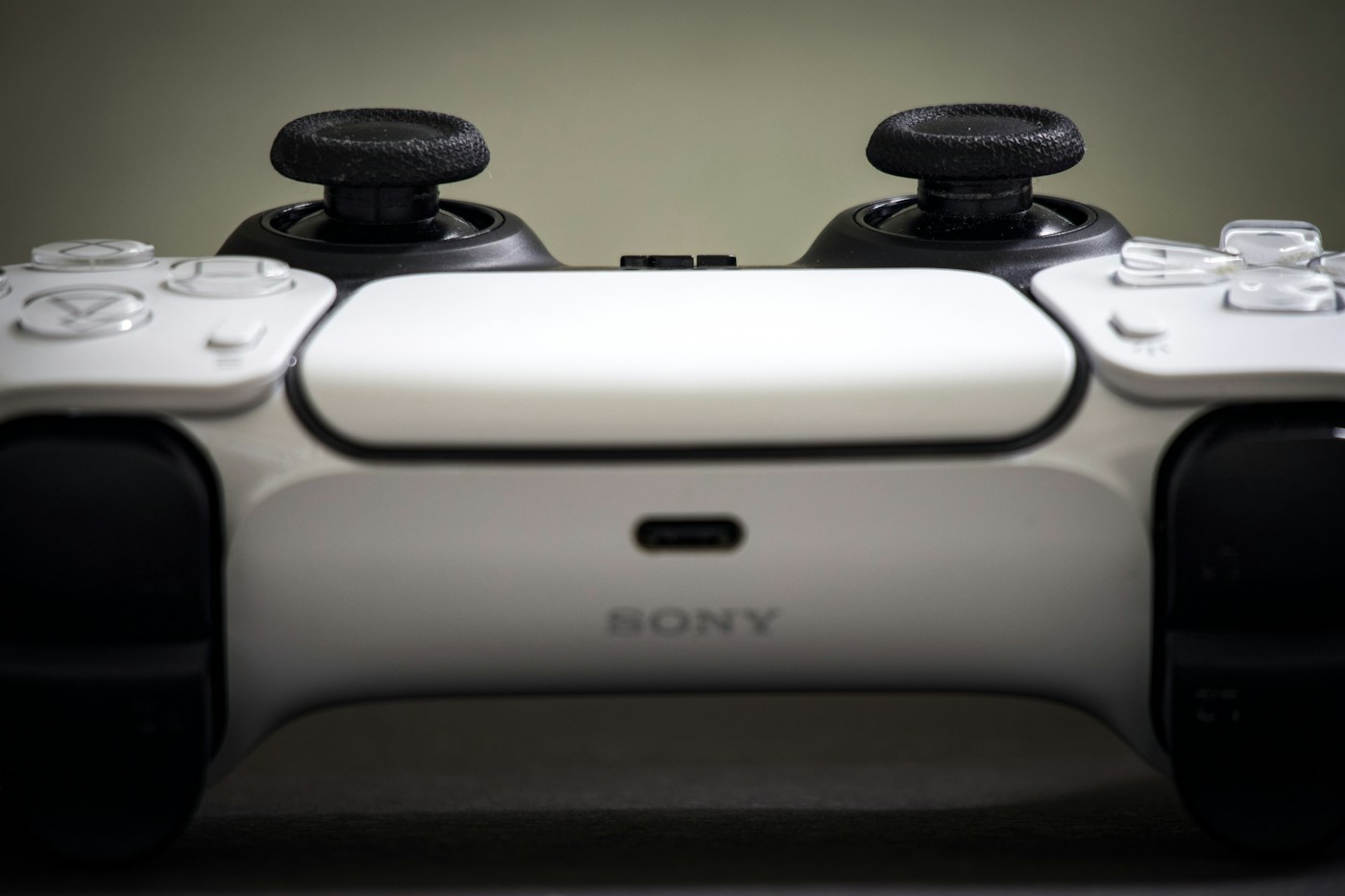
The Companion lets you drive the PC with a controller after you power it on — including the Windows sign-in screen, so you can enter your PIN or password from the couch.
Walk to the TV and switch it to the HDMI input your PC uses. If you already set up a Jump Screen, jump there with the controller. One combo moves you to the TV. The other jumps and turns the desk monitor off.
Apps, cables, and other products in this guide are examples from personal experience — not ads. warmUP is not affiliated with, endorsed by, or paid by the makers of anything shown.